1080 × 1080Meta feed square
The square 1:1 image. Instagram’s feed takes anything from 4:5 to 1.91:1, and Facebook shows squares in Marketplace and search results. On a phone it fills the width of the screen, with the ad text above it and the headline and button below, so the image itself needs only one short message.
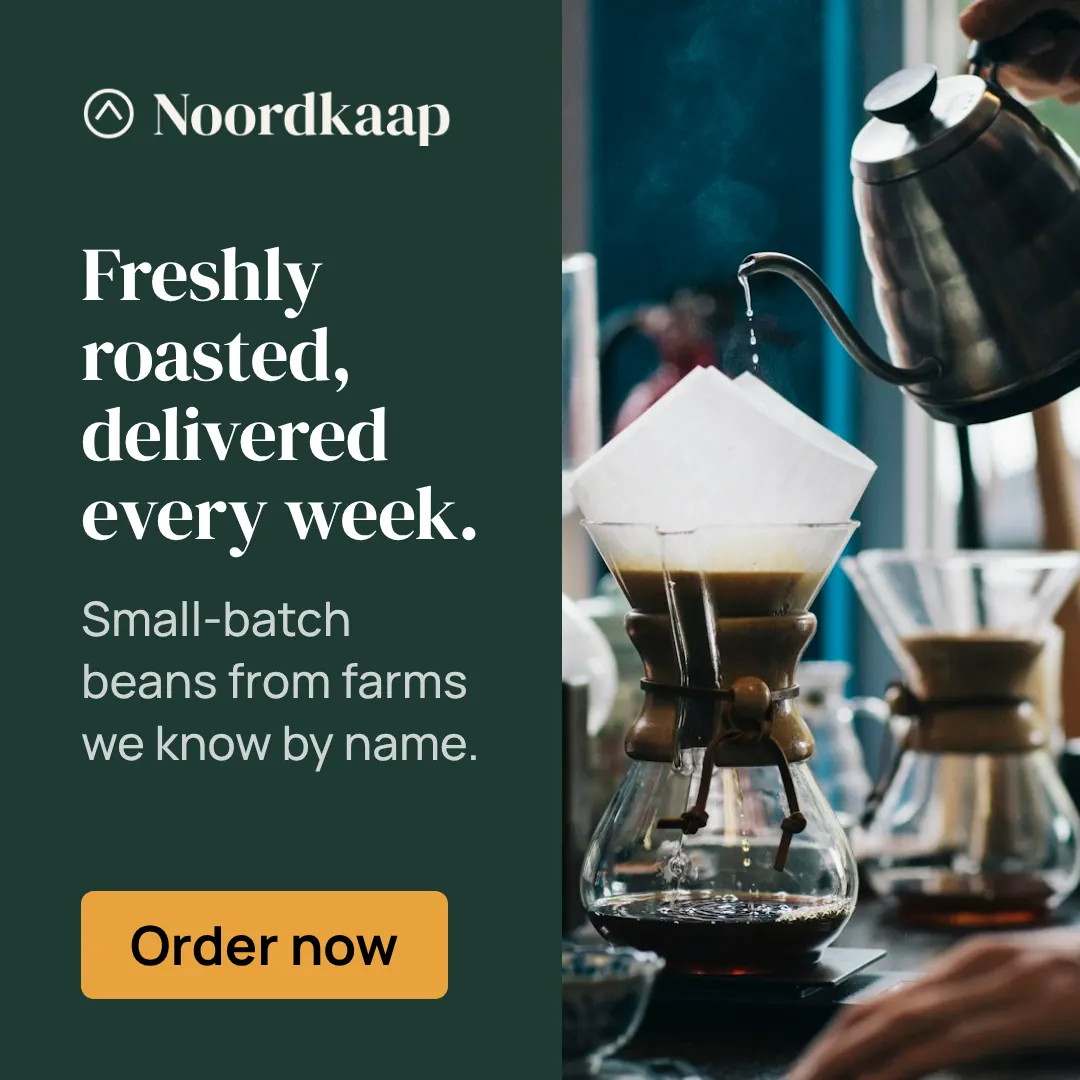
Specs
| Size | 1080 × 1080 pixels |
|---|---|
| Aspect ratio | 1:1 (1:1) |
| Shape | Square |
| Runs on | Meta: Facebook and Instagram |
| Safe zone | 49 px from every edge |
| Smallest text | 43 px for text and buttons, 61 px for headlines |
| Static file | Large files allowed |
| Animation | MP4 video, up to 30 seconds |
| Spec source | facebook.com, checked Oct 16, 2026 |
Where it runs
| Package | Delivers |
|---|---|
| MetaSpecs checked | JPG or PNGMP4 video |
File size
| Still image | Large files allowed |
|---|---|
| Video | Up to 4,096 MB on the strictest platform for this size |
- The platforms allow large files, but a short video starts sooner: Sizewright keeps animations to 30 seconds or less.
- Sizewright encodes video as H.264 MP4, a format every platform here accepts.
Design rules for 1080 × 1080
What works
- Stack in a clear order: headline, image or offer, button, logo.
- After the image, the headline is the largest thing in the frame. At 200 to 300 pixels wide that means short, heavy words.
- Keep a margin around everything; a small square fills up quickly.
- Design for a phone at arm’s length: large type and one message.
- The platform shows your ad text and a headline around the image, so the image carries one idea.
Common mistakes
- Fitting the whole landing page into the banner.
- A button that reads as decoration instead of something to press.
- Small text over a busy photo.
- Repeating the post text inside the image.
Made in this size
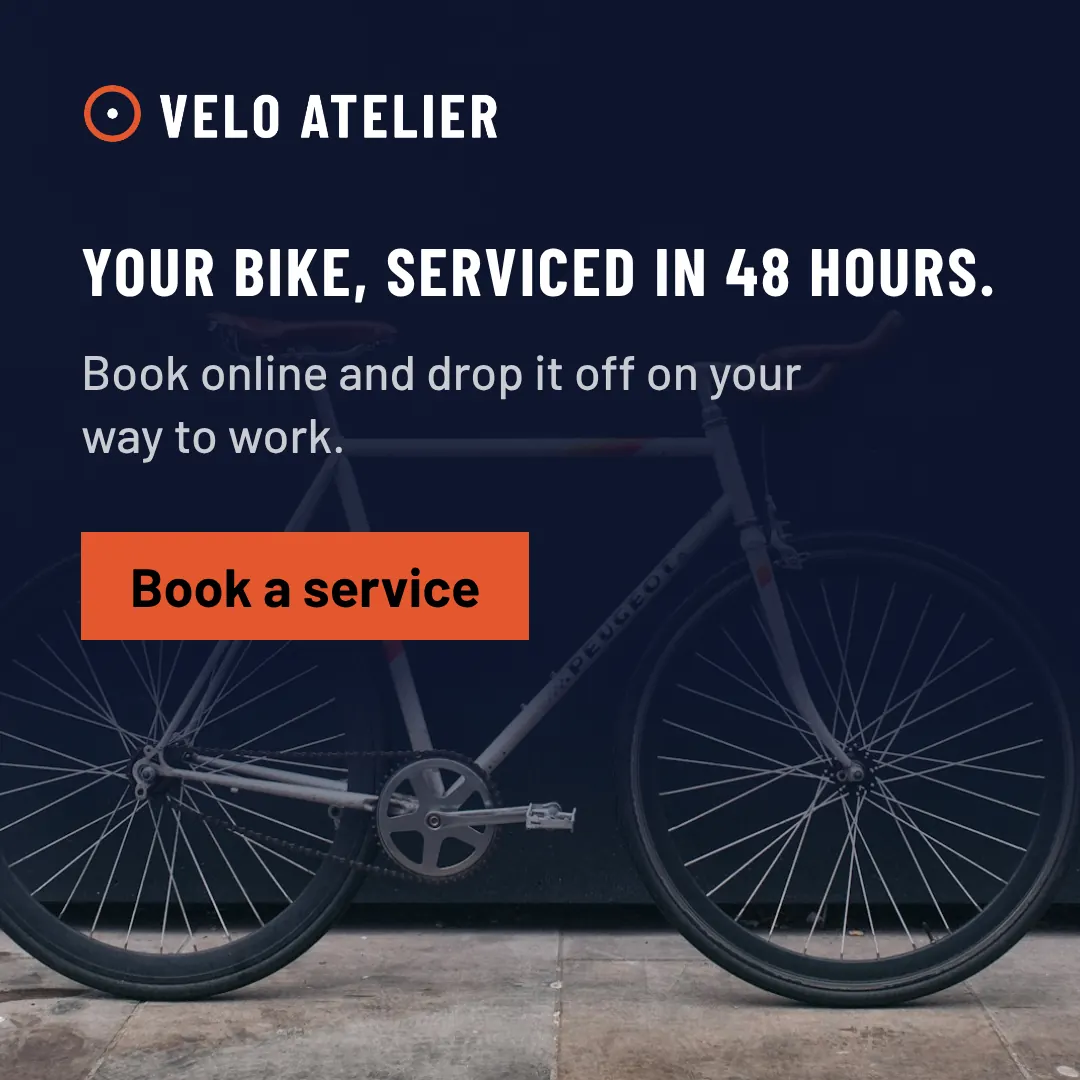
Velo Atelier, Full Bleed · See the whole set
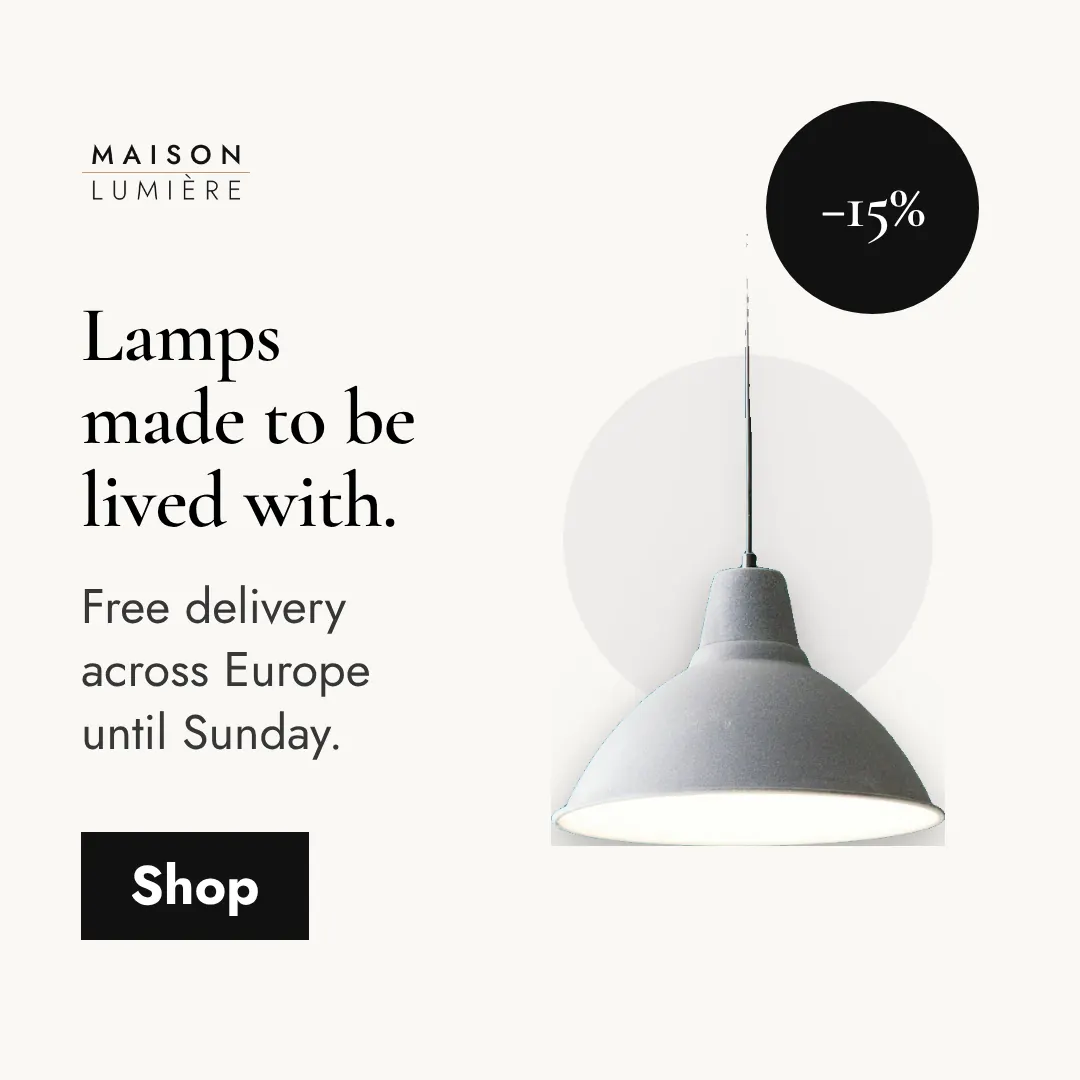
Maison Lumière, Product Stage · See the whole set
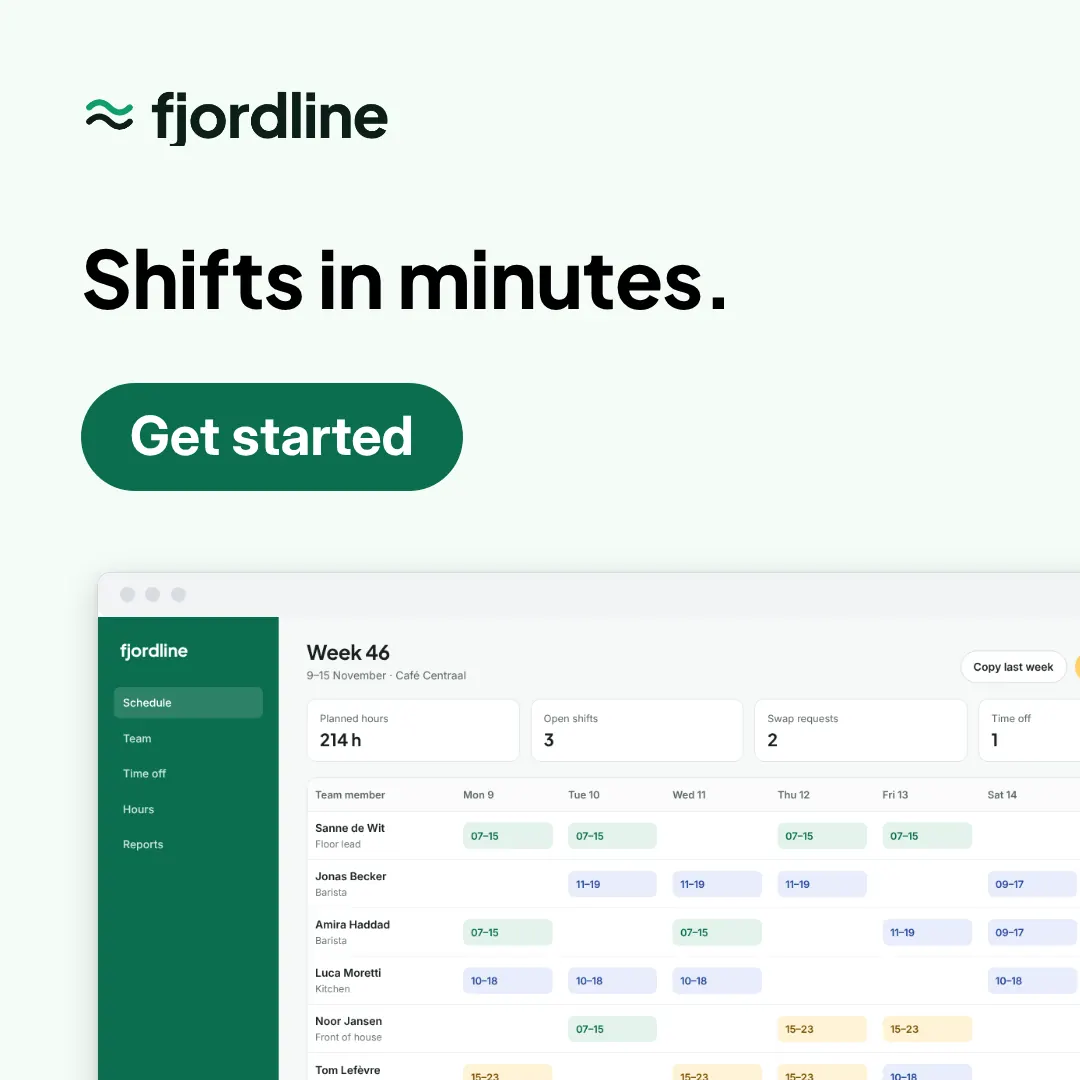
Fjordline, Device · See the whole set
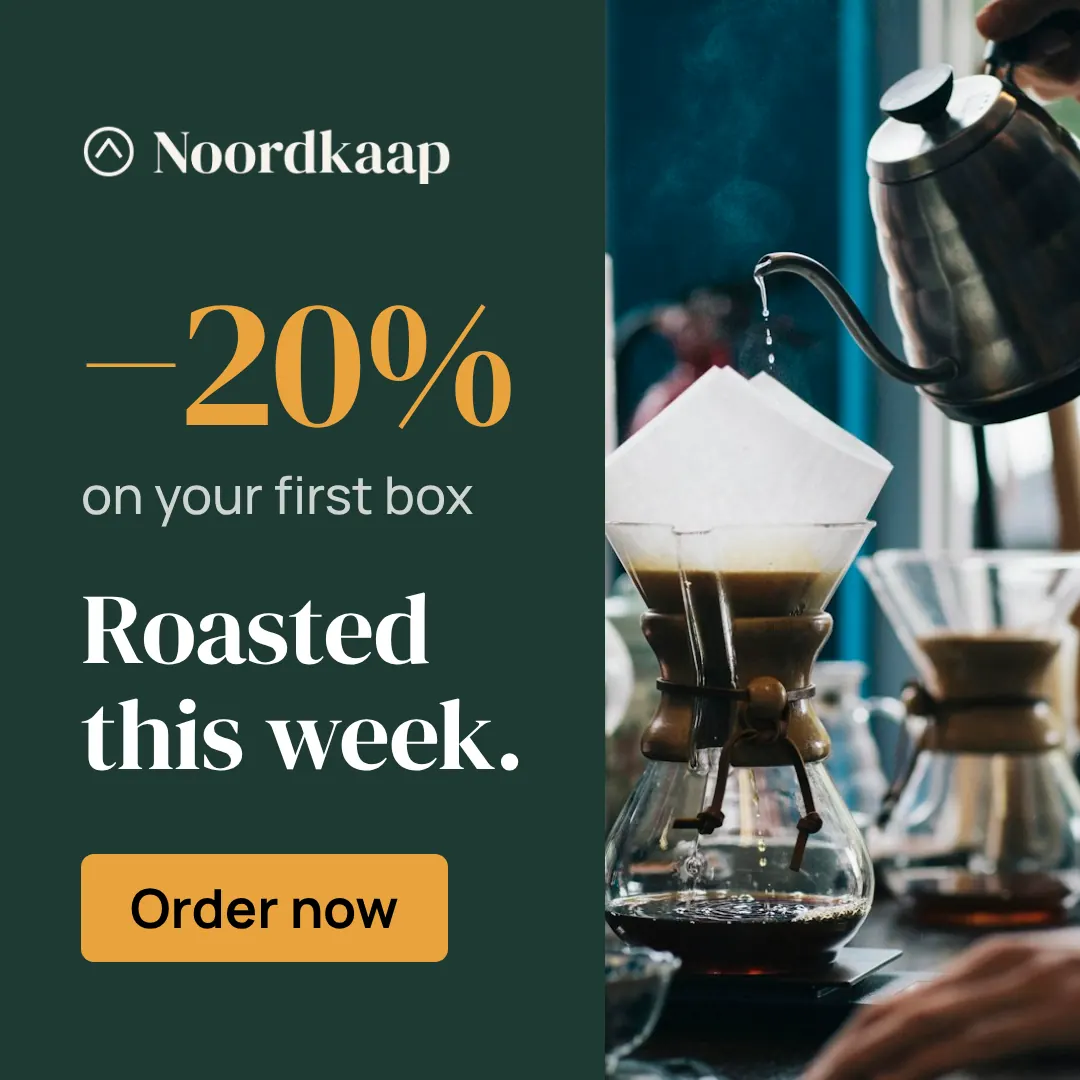
Noordkaap, Offer Block · See the whole set
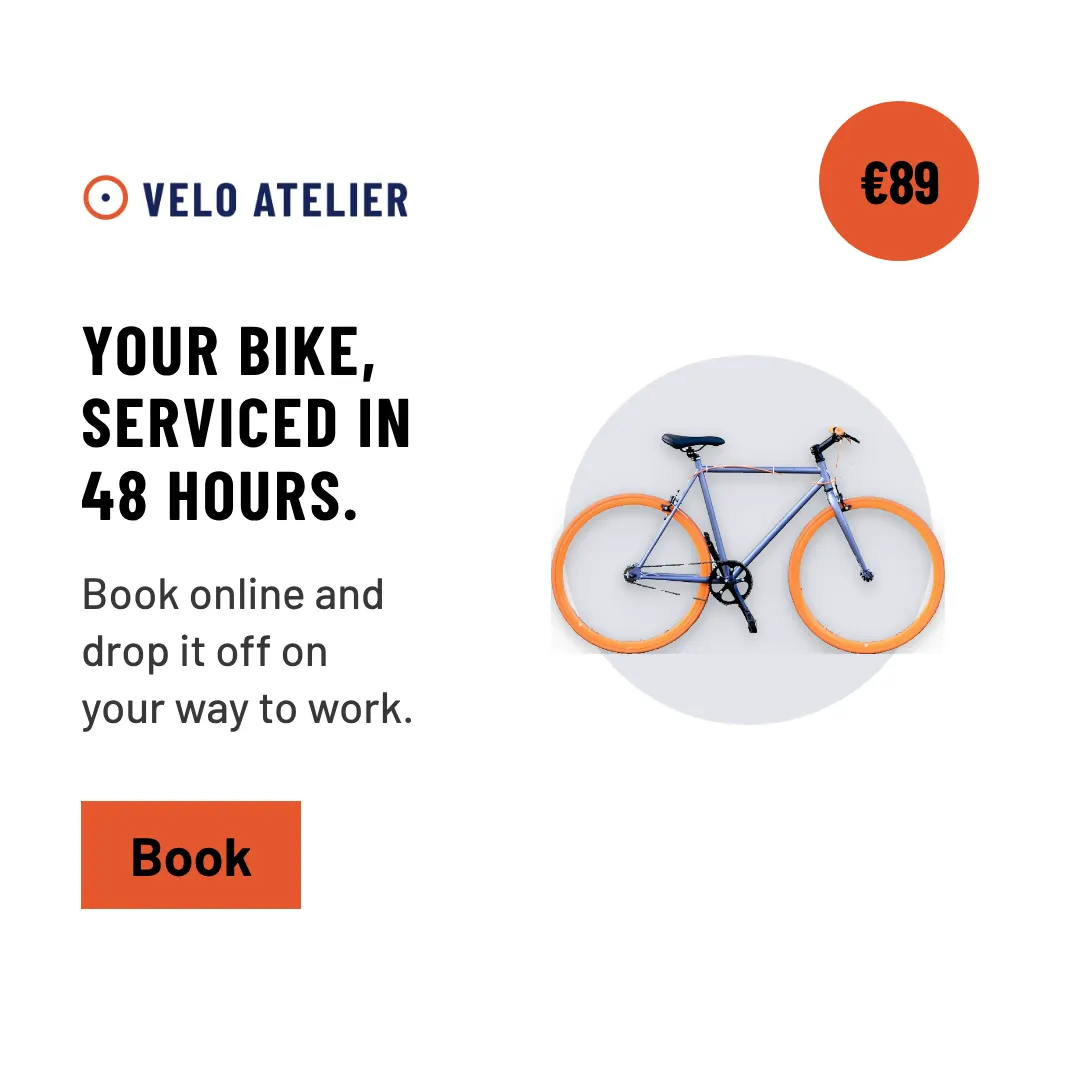
Velo Atelier, Product Stage · See the whole set
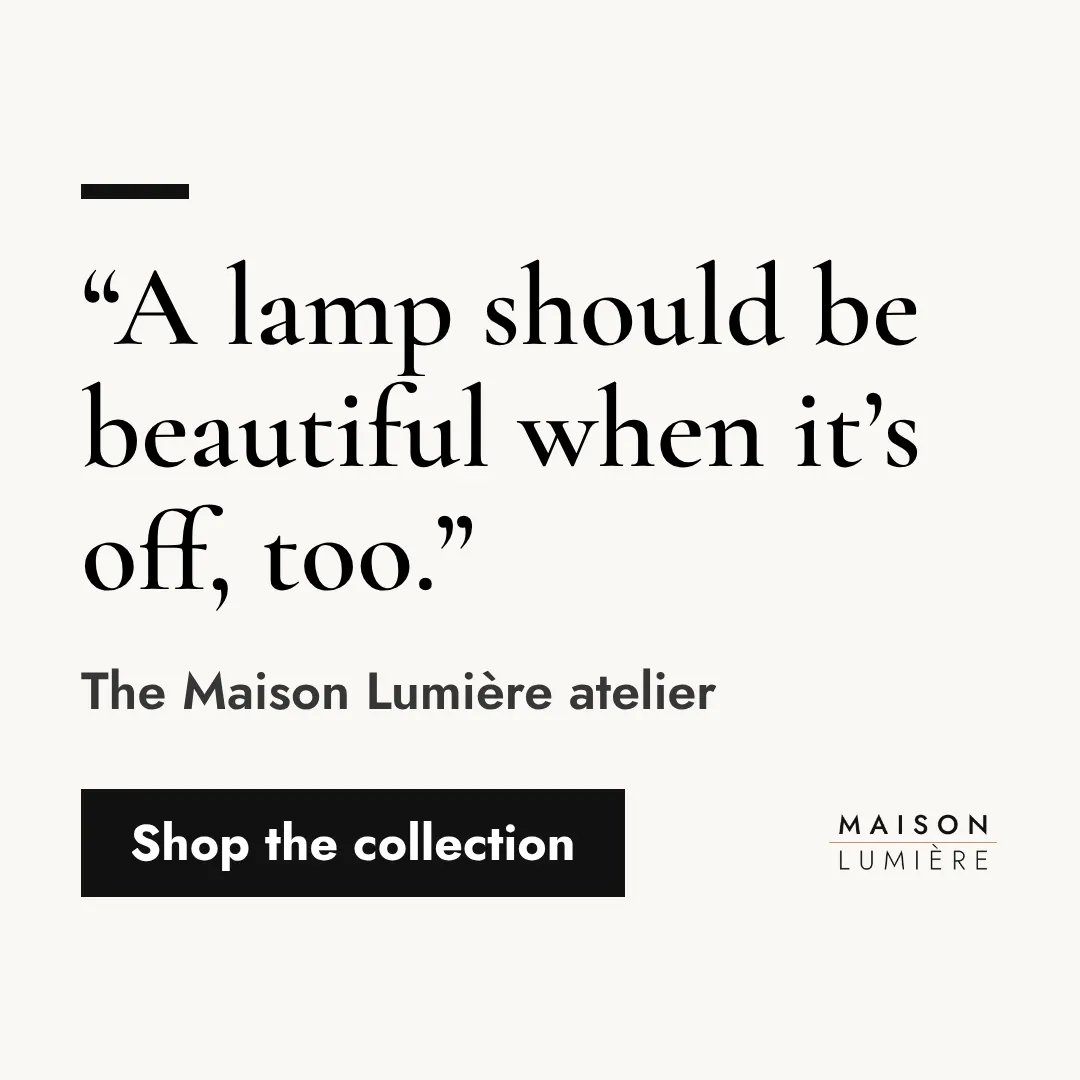
Maison Lumière, Quote · See the whole set
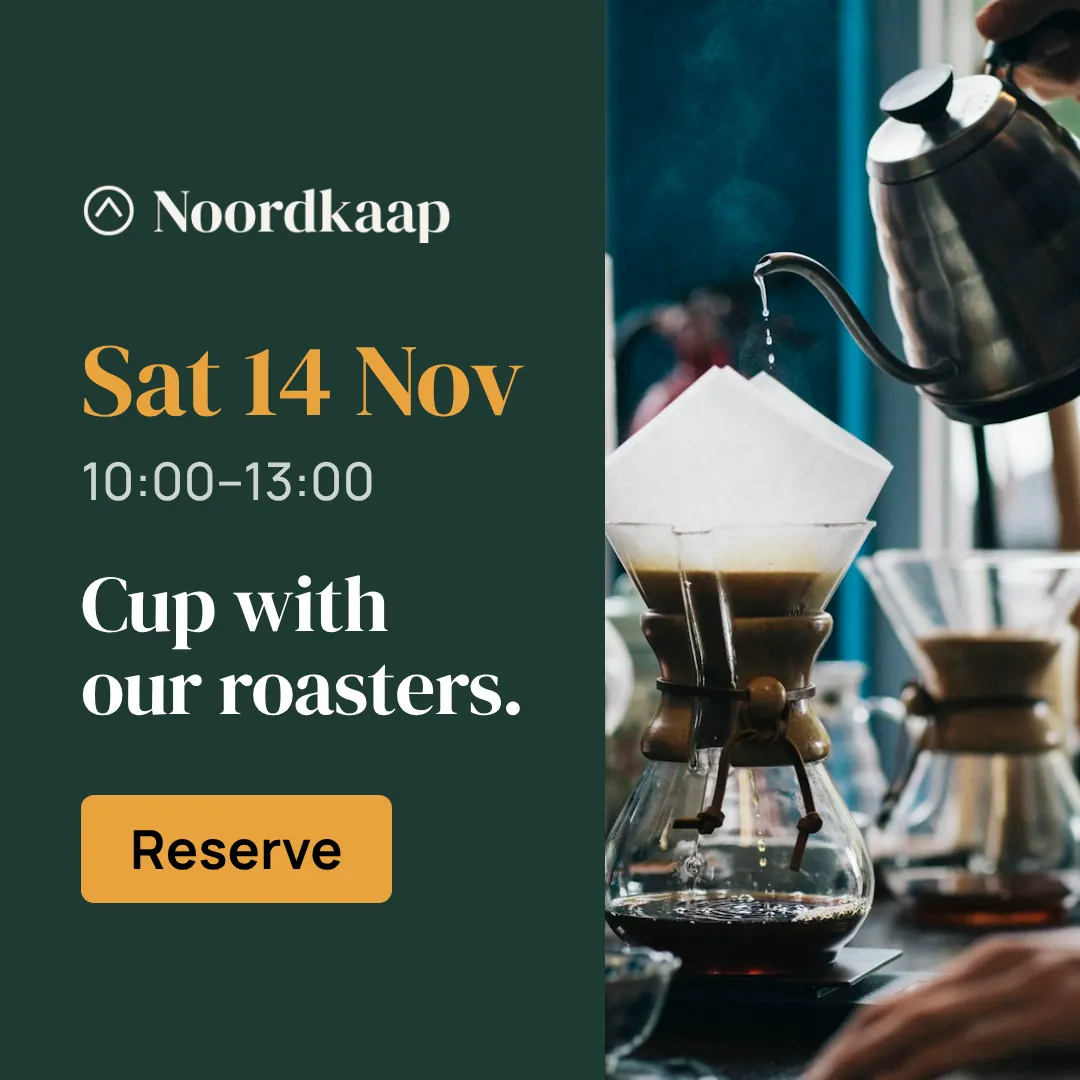
Noordkaap, Event · See the whole set
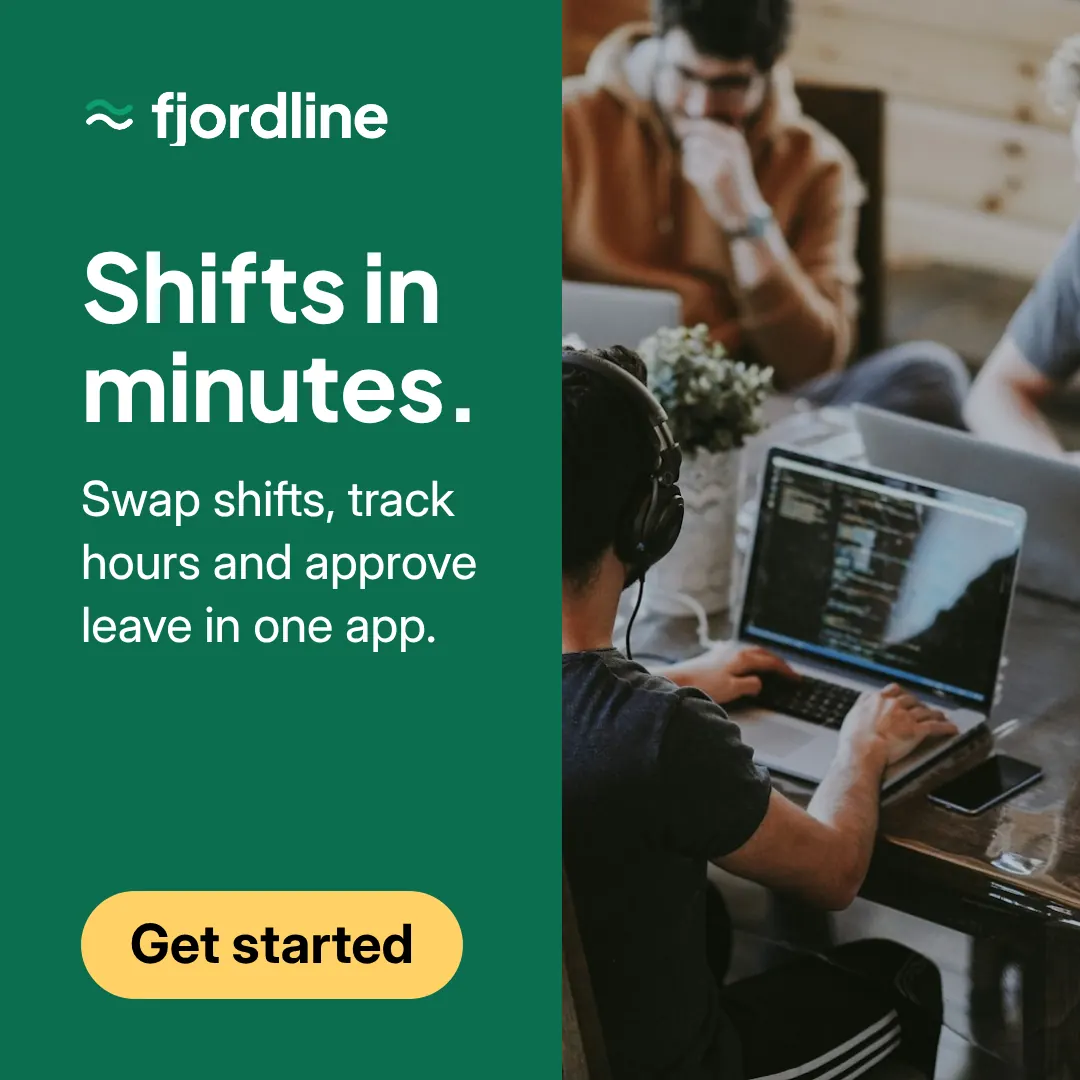
Fjordline, Split Field · See the whole set
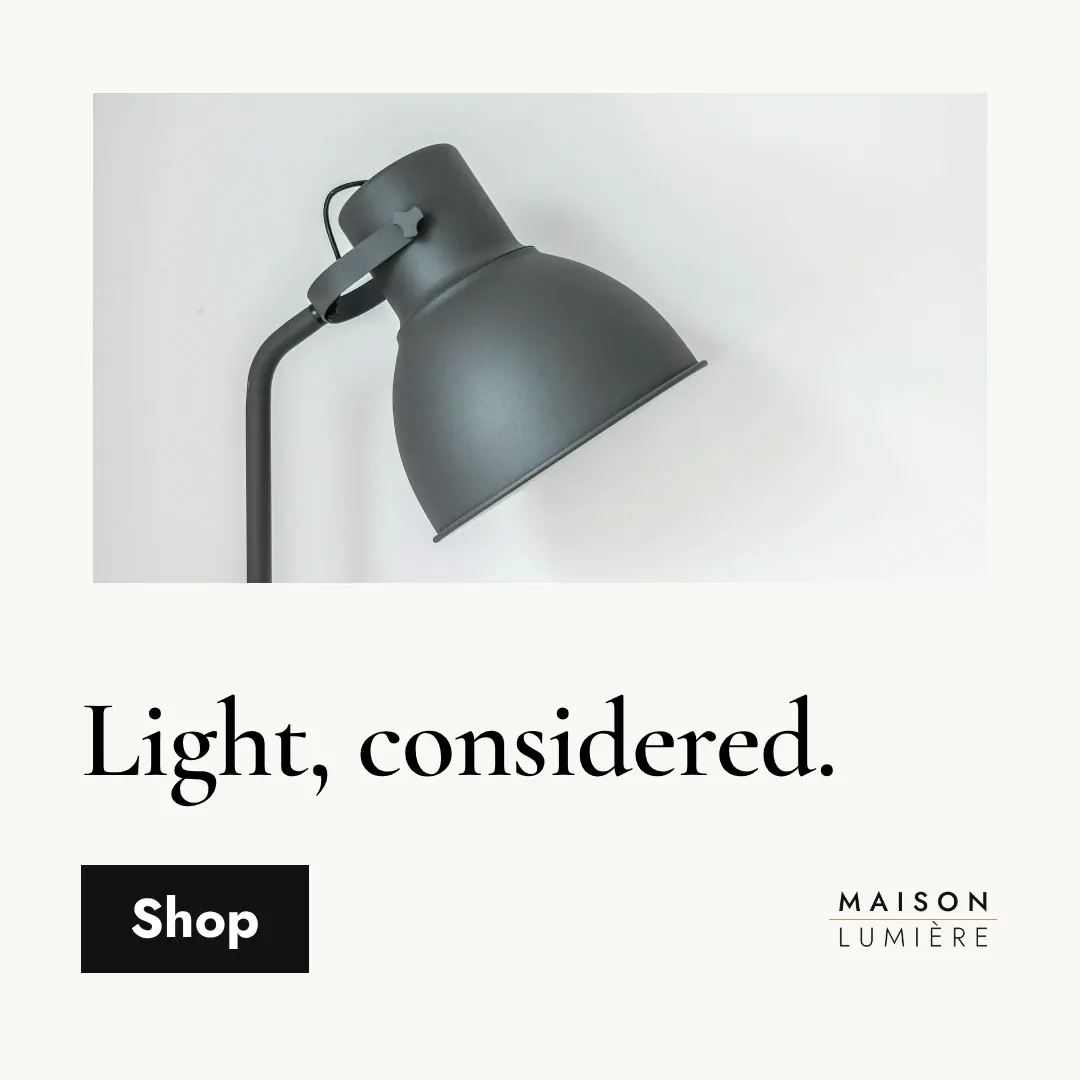
Maison Lumière, Frame · See the whole set
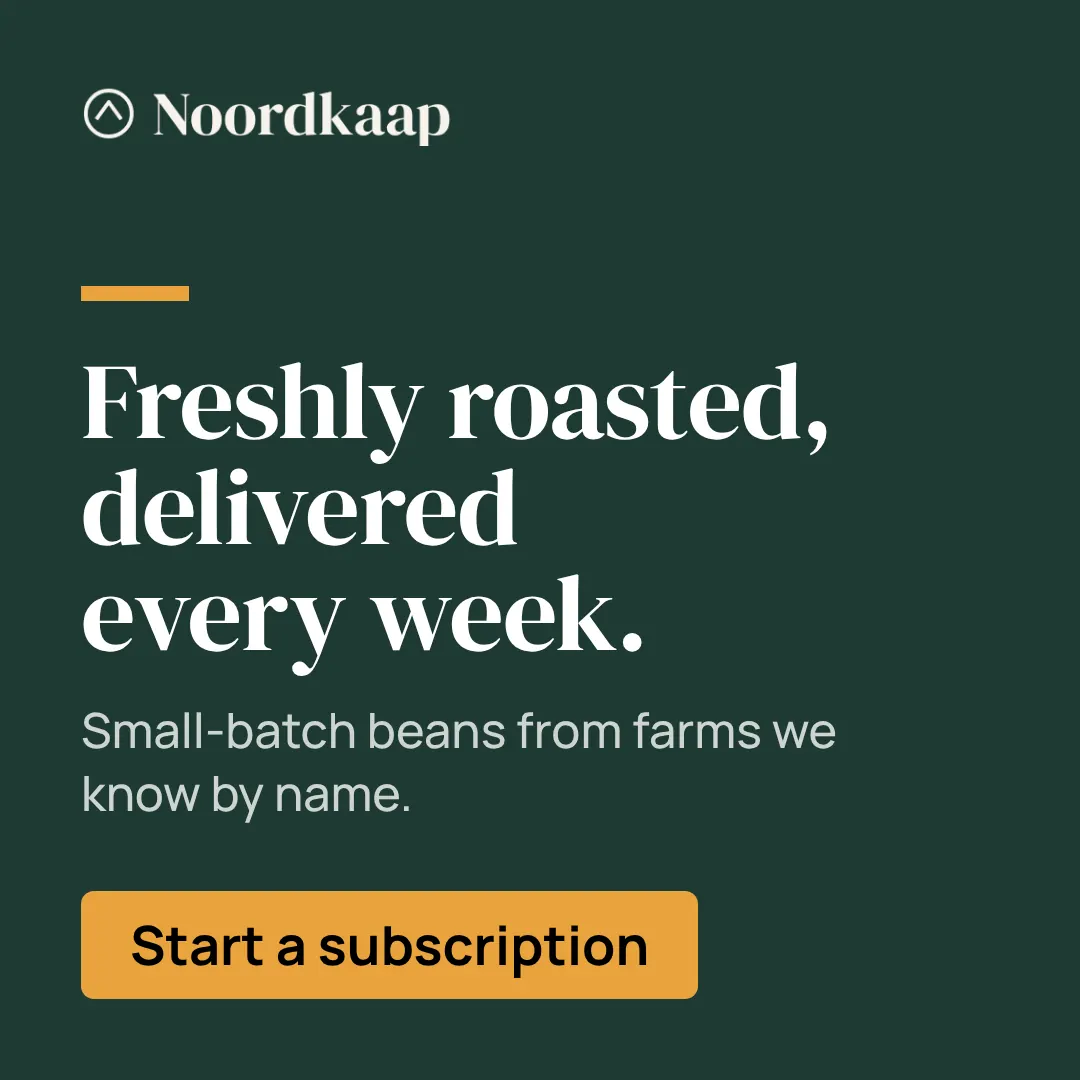
Noordkaap, Type Forward · See the whole set
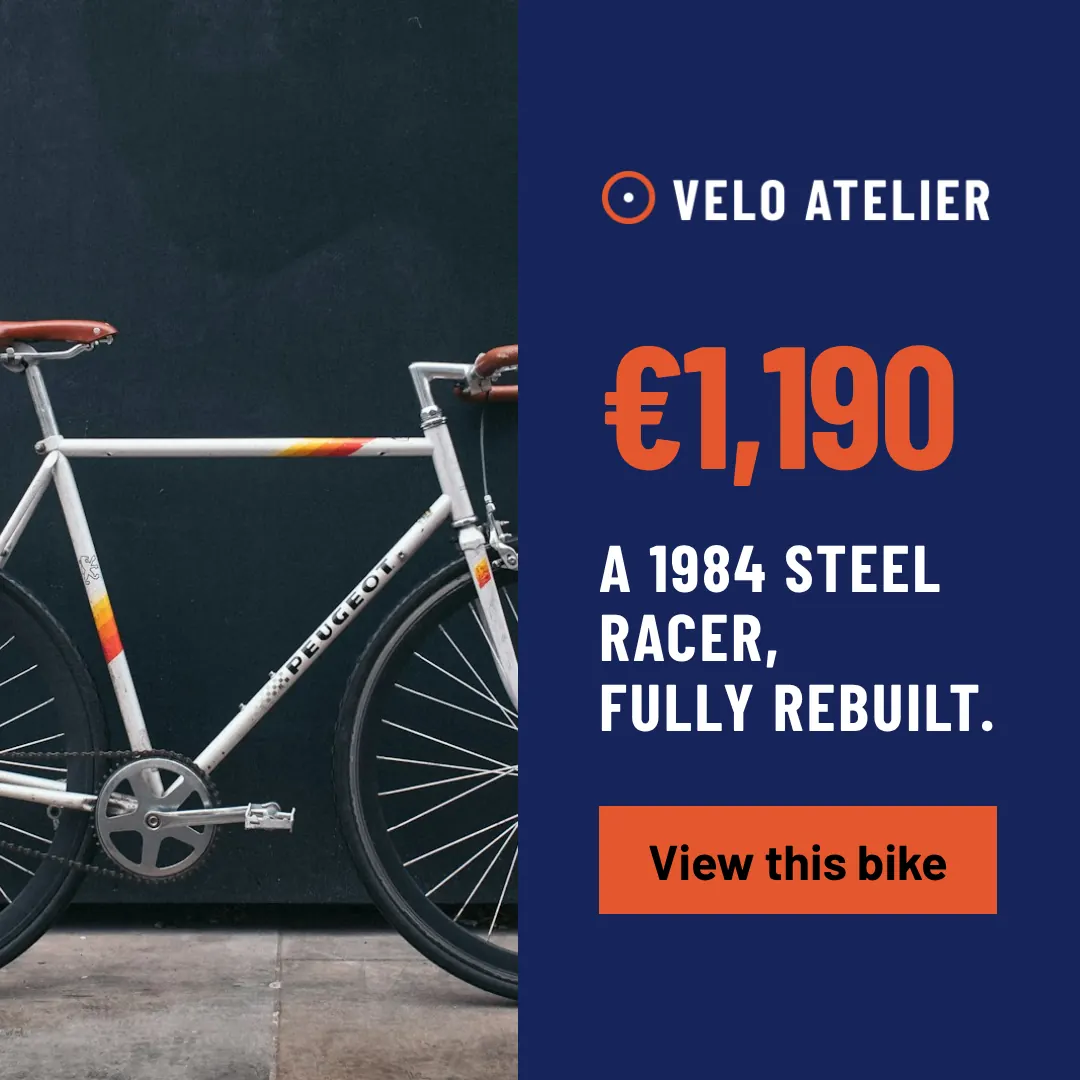
Velo Atelier, Listing · See the whole set
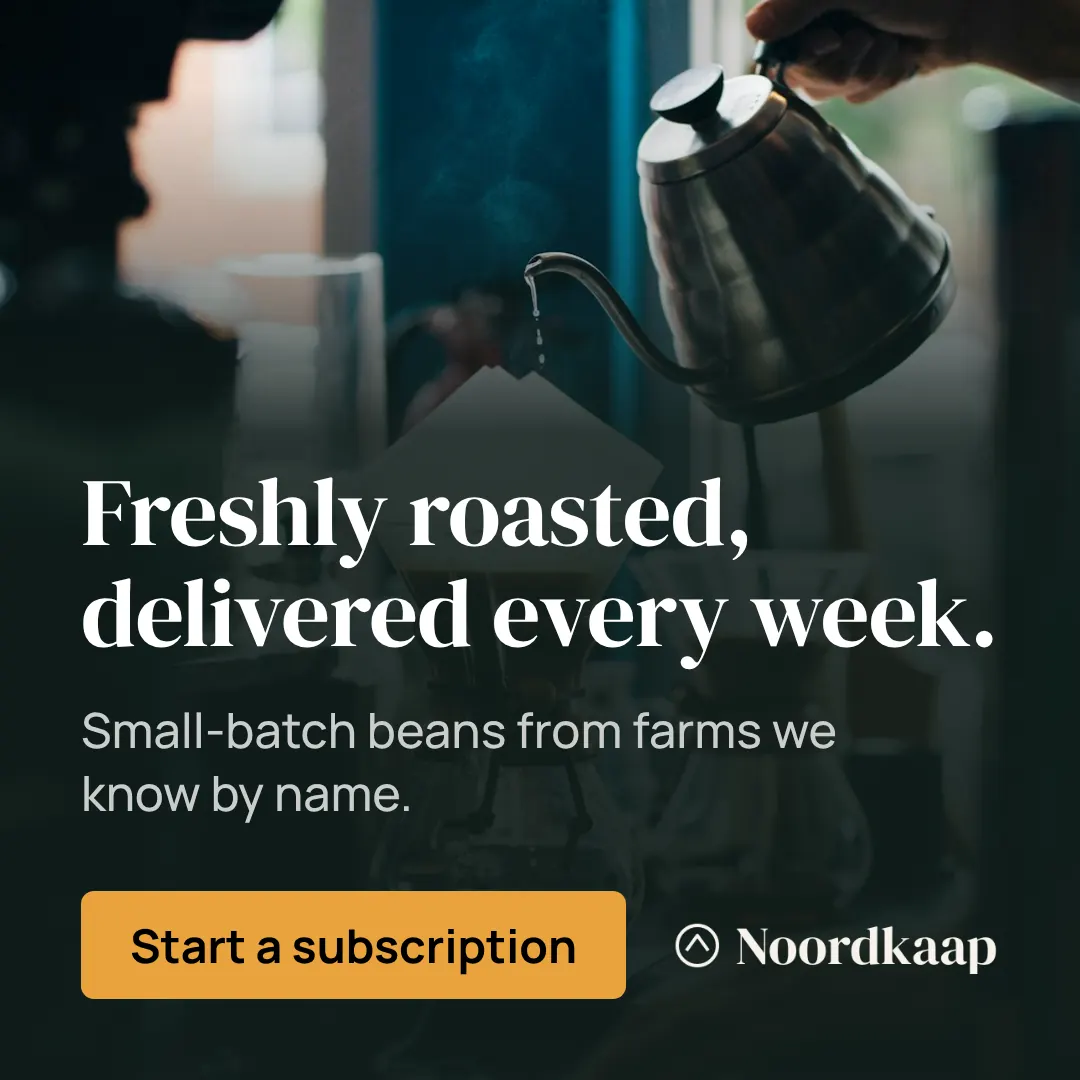
Noordkaap, Full Bleed · See the whole set
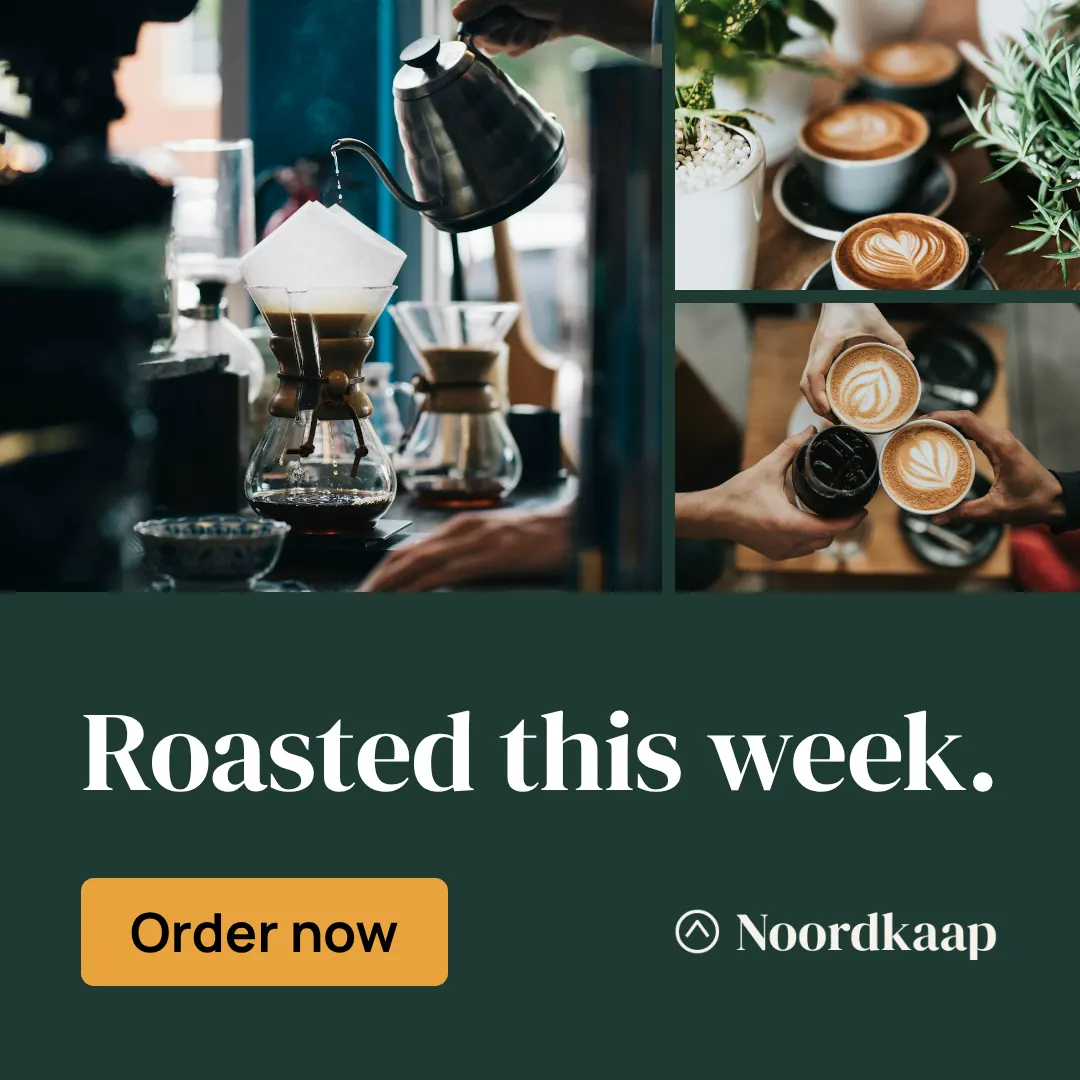
Noordkaap, Mosaic · See the whole set
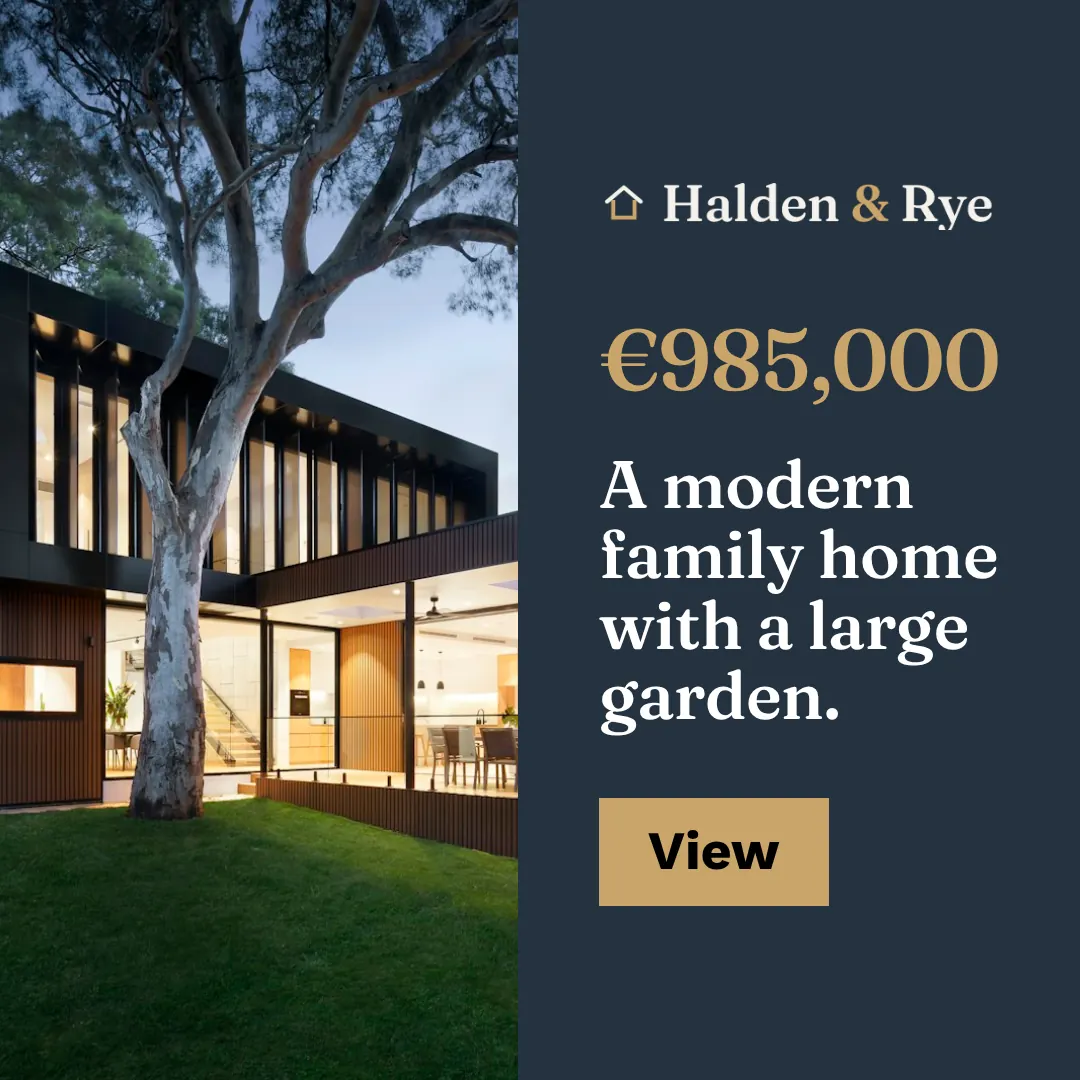
Halden & Rye, Listing · See the whole set
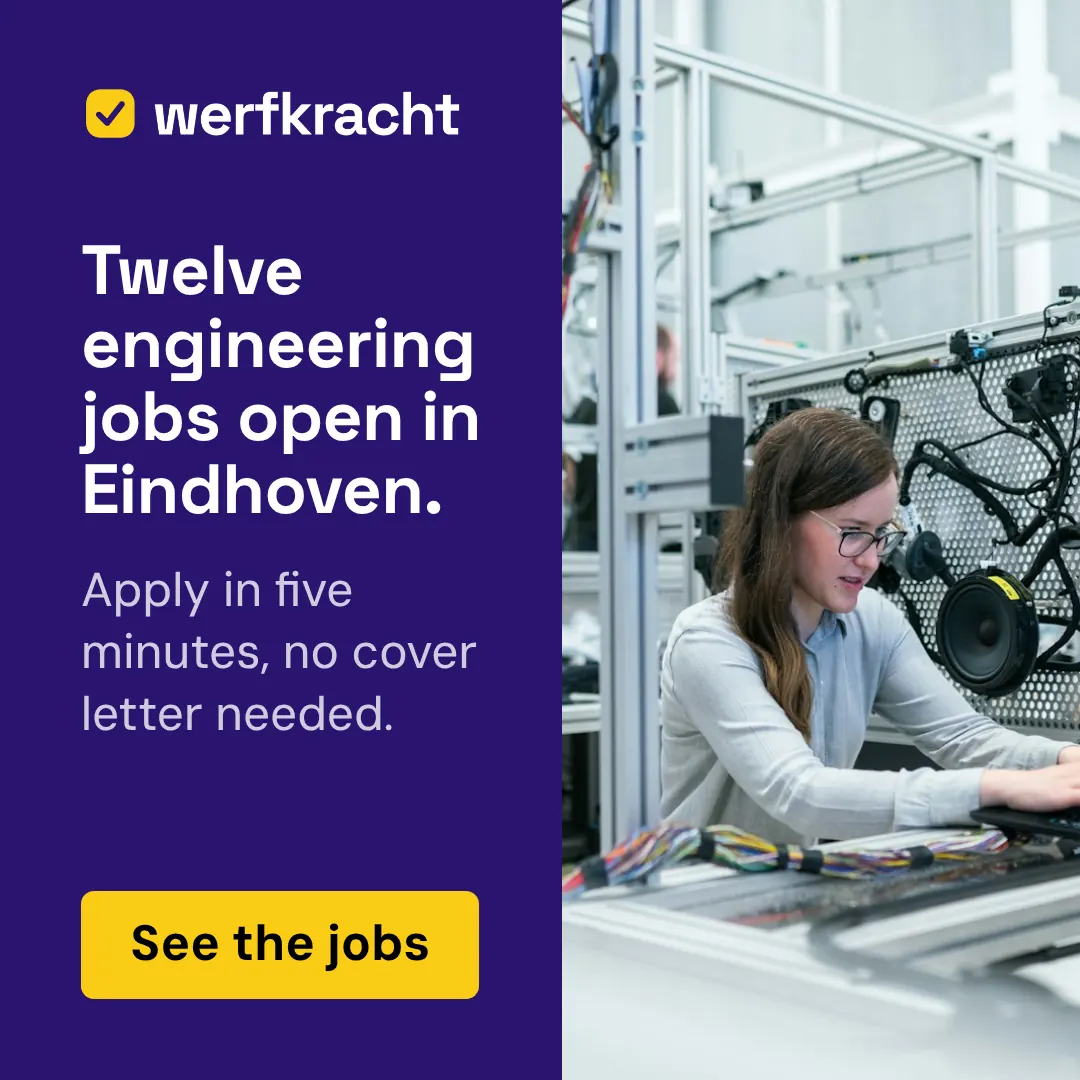
Werfkracht, Split Field · See the whole set
Fjordline, Statement Logo · See the whole set
Questions about the 1080 × 1080
Where is the 1080 × 1080 used?
The square 1:1 image. Instagram’s feed takes anything from 4:5 to 1.91:1, and Facebook shows squares in Marketplace and search results. On a phone it fills the width of the screen, with the ad text above it and the headline and button below, so the image itself needs only one short message.
What size is a Meta feed square banner?
A Meta feed square is 1080 × 1080 pixels, an aspect ratio of 1:1. Sizewright composes it at exactly that size and also exports a version at twice the size for sharp screens on websites and in emails.
How large can a 1080 × 1080 file be?
It depends on where it runs. Meta (JPG or PNG; MP4 video).
Can a 1080 × 1080 banner be animated?
Yes, as an MP4 video of up to 30 seconds. The still image comes with it for placements that do not play video.
How do I design for the 1080 × 1080?
Close to square, from 4:5 to 5:4. The most flexible shape: copy and image can stack or sit side by side. Stack in a clear order: headline, image or offer, button, logo. After the image, the headline is the largest thing in the frame. At 200 to 300 pixels wide that means short, heavy words. Keep a margin around everything; a small square fills up quickly. Design for a phone at arm’s length: large type and one message. The platform shows your ad text and a headline around the image, so the image carries one idea.
Create a 1080 × 1080 set from your brand
Paste your website address. Sizewright reads your brand and composes this size with every other format of the campaign.