1080 × 1920TikTok in-feed
The full-screen vertical format for TikTok in-feed ads. TikTok lays the caption, the account name and the call to action over the bottom and its action buttons down the right. It publishes its safe zone as templates rather than figures; the margins here keep clear of both.

Specs
| Size | 1080 × 1920 pixels |
|---|---|
| Aspect ratio | 9:16 (0.56:1) |
| Shape | Portrait |
| Runs on | TikTok |
| Safe zone | 160 px top, 160 px right, 480 px bottom, 64 px left |
| Smallest text | 43 px for text and buttons, 61 px for headlines |
| Static file | Large files allowed |
| Animation | MP4 video, up to 30 seconds |
| Spec source | ads.tiktok.com, checked Oct 16, 2026 |
Where it runs
| Package | Delivers |
|---|---|
| TikTokSpecs checked | JPG or PNGMP4 video |
File size
| Still image | Large files allowed |
|---|---|
| Video | Up to 500 MB on the strictest platform for this size |
- The platforms allow large files, but a short video starts sooner: Sizewright keeps animations to 30 seconds or less.
- Sizewright encodes video as H.264 MP4, a format every platform here accepts.
Design rules for 1080 × 1920
What works
- Use the height: the image in one half, the copy in the other, the button last in the reading order.
- Give the image one tall subject rather than a crop of a wide scene.
- Give the headline room for two or three lines rather than shrinking it to one.
- Show the logo once, where the reading order begins or ends.
- Keep text and logo inside the safe zone: the platform lays its own controls over the top and the bottom.
Common mistakes
- A headline shrunk to one line to leave the image more room.
- An empty middle, because the design was made for a square.
- A wide photo cropped down to a sliver of its subject.
- A call to action hidden under the platform’s own buttons.
- Text in the top band, under the profile name.
Made in this size
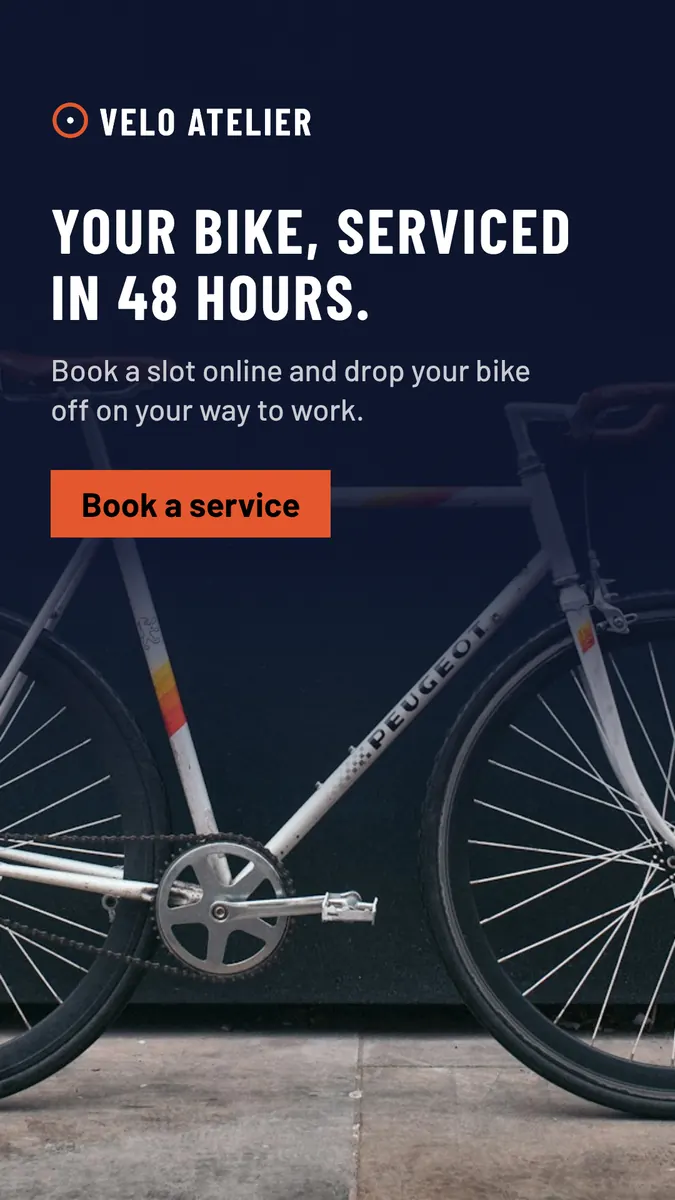
Velo Atelier, Full Bleed · See the whole set
Questions about the 1080 × 1920
Where is the 1080 × 1920 used?
The full-screen vertical format for TikTok in-feed ads. TikTok lays the caption, the account name and the call to action over the bottom and its action buttons down the right. It publishes its safe zone as templates rather than figures; the margins here keep clear of both.
What size is a TikTok in-feed banner?
A TikTok in-feed is 1080 × 1920 pixels, an aspect ratio of 9:16. Sizewright composes it at exactly that size and also exports a version at twice the size for sharp screens on websites and in emails.
How large can a 1080 × 1920 file be?
It depends on where it runs. TikTok (JPG or PNG; MP4 video).
Can a 1080 × 1920 banner be animated?
Yes, as an MP4 video of up to 30 seconds. The still image comes with it for placements that do not play video.
How do I design for the 1080 × 1920?
Taller than it is wide, from 9:20 to 4:5. Read from top to bottom, like a poster. Use the height: the image in one half, the copy in the other, the button last in the reading order. Give the image one tall subject rather than a crop of a wide scene. Give the headline room for two or three lines rather than shrinking it to one. Show the logo once, where the reading order begins or ends. Keep text and logo inside the safe zone: the platform lays its own controls over the top and the bottom.
Create a 1080 × 1920 set from your brand
Paste your website address. Sizewright reads your brand and composes this size with every other format of the campaign.