1920 × 1080Digital screen landscape
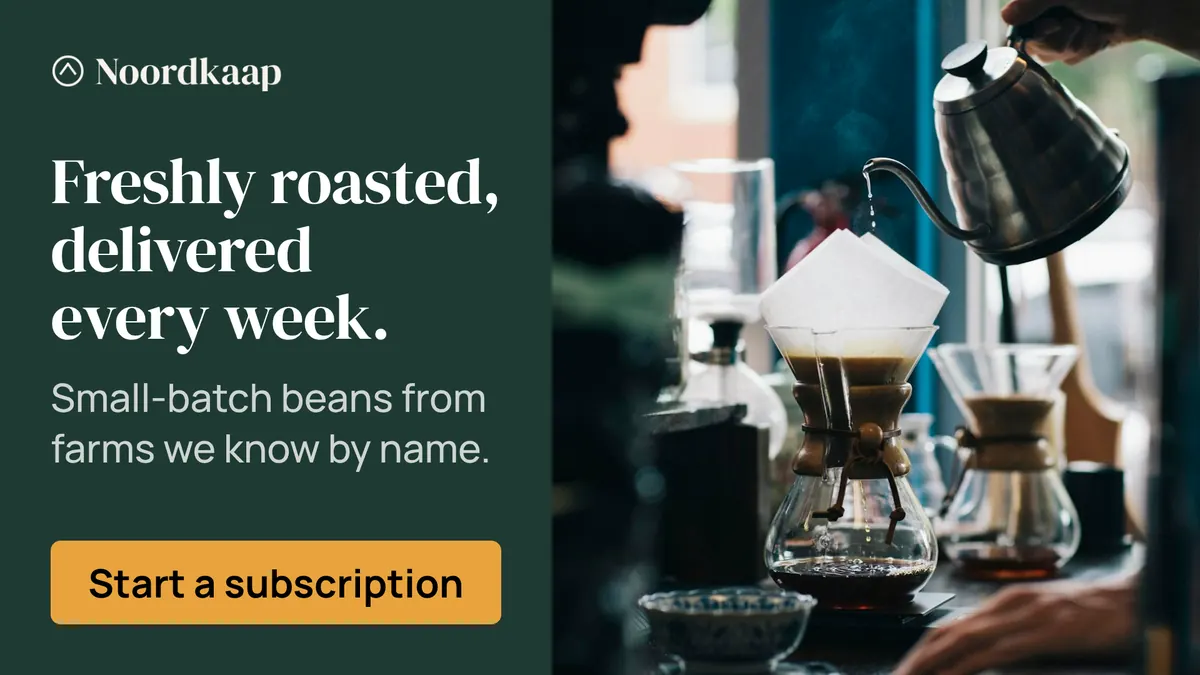
A full HD landscape frame for screens in stores, lobbies and at events. It is read from a distance and often in passing: large type and one message.
Specs
| Size | 1920 × 1080 pixels |
|---|---|
| Aspect ratio | 16:9 (1.78:1) |
| Shape | Landscape |
| Runs on | Digital screens |
| Safe zone | 49 px from every edge |
| Smallest text | 43 px for text and buttons, 61 px for headlines |
| Static file | Large files allowed |
| Animation | MP4 video, up to 30 seconds |
| Spec source | No platform sets this size; it is a common size for the placement |
Where it runs
No ad platform package takes this size. It exports as PNG, WebP and AVIF at its own size and at twice the size for sharp screens, plus layered source files.
File size
| Still image | Large files allowed |
|---|
- On your own site, use the WebP or AVIF file and keep the PNG as a fallback; Sizewright exports all three, also at twice the size for sharp screens.
- Email clients often hold images back until the reader allows them: keep the message readable in the email’s text as well.
Design rules for 1920 × 1080
What works
- Split the frame: image on one side, headline and button on the other, so neither covers the other.
- Put the subject of the image on the side away from the copy, so faces and products are never cut by text.
- A headline and a short subline fit; keep the button in the copy column, in reading order.
- Keep the logo small, in a corner of the copy column: the image already fills half the frame.
- No platform covers the banner here, so the whole frame inside the safe zone is yours.
Common mistakes
- Centering everything, which leaves the corners empty and the copy floating.
- Text across the busiest part of the image.
- A logo as large as the headline.
Made in this size
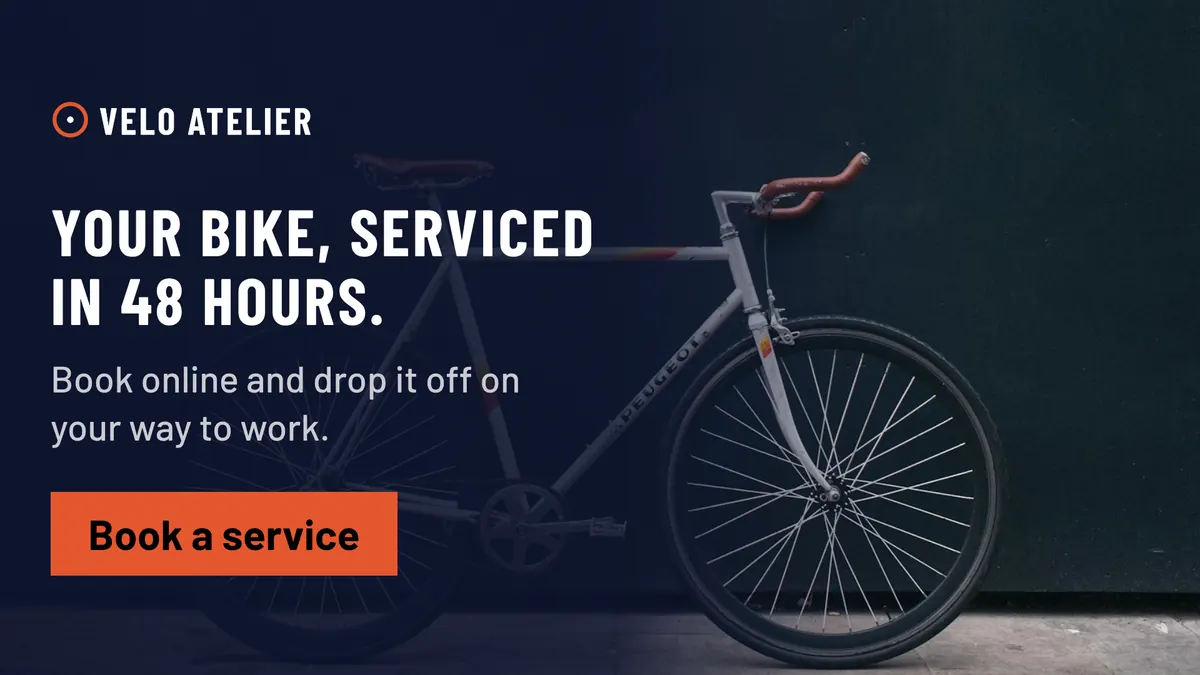
Velo Atelier, Full Bleed · See the whole set
Questions about the 1920 × 1080
Where is the 1920 × 1080 used?
A full HD landscape frame for screens in stores, lobbies and at events. It is read from a distance and often in passing: large type and one message.
What size is a Digital screen landscape banner?
A Digital screen landscape is 1920 × 1080 pixels, an aspect ratio of 16:9. Sizewright composes it at exactly that size and also exports a version at twice the size for sharp screens on websites and in emails.
How large can a 1920 × 1080 file be?
No ad platform sets a limit for it. Sizewright exports it as compressed WebP and AVIF beside the PNG, so you can use what your page, email or screen player needs.
Can a 1920 × 1080 banner be animated?
Yes, as an MP4 video of up to 30 seconds. The still image comes with it for placements that do not play video.
How do I design for the 1920 × 1080?
Between 1.25 and 4 times as wide as it is tall. Room for an image beside the copy, like a magazine spread. Split the frame: image on one side, headline and button on the other, so neither covers the other. Put the subject of the image on the side away from the copy, so faces and products are never cut by text. A headline and a short subline fit; keep the button in the copy column, in reading order. Keep the logo small, in a corner of the copy column: the image already fills half the frame. No platform covers the banner here, so the whole frame inside the safe zone is yours.
Create a 1920 × 1080 set from your brand
Paste your website address. Sizewright reads your brand and composes this size with every other format of the campaign.